
When you want an entire section to appear for some customers and not others.
- Select the block or section you want to control.
- Click Add condition.
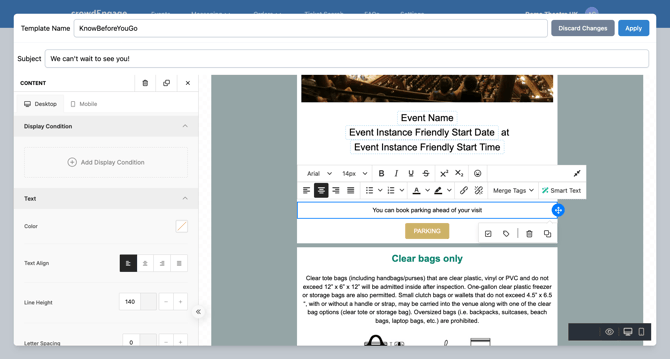
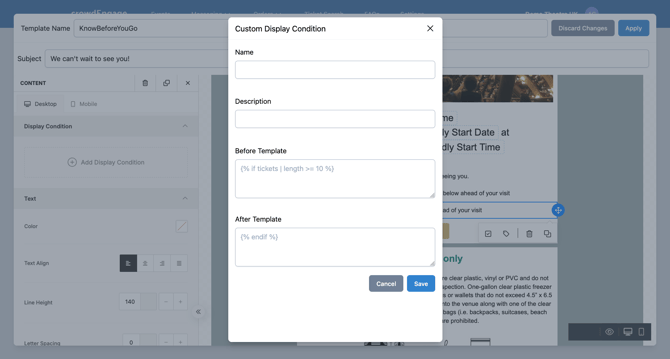
- Choose Add custom expression.
- Write the condition. For example, to show a block only to customers with 10 or more tickets.
Test it
Conditional content is easy to get subtly wrong — a block that shows for nobody, or for everybody. Preview and send yourself test versions that satisfy and fail the condition, so you've seen both outcomes before customers do. Want a second look? support@encorepro.com