
Change your branding
- Go to Settings → Branding.
- Set your colours so the ticket lines up with your other material.
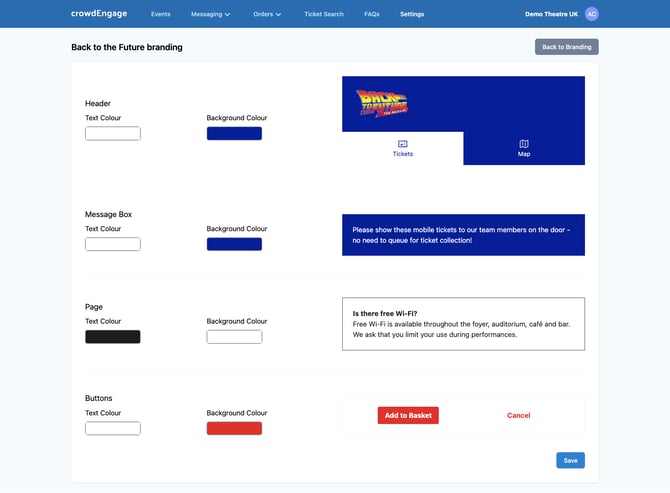
That's it changes update in real time on the customer facing ticket.
More than one lookRunning more than one venue, or selling for a visiting festival? You can set up separate branding profiles and apply the right one where it belongs, so each venue or event keeps its own identity. Send any new logos to support and we'll get it set up for you.
Check your workBranding is one of the things worth previewing on a real ticket before a customer sees it. Pull up a live ticket in Using Ticket Search to confirm the colours and logo land the way you expect.
Help: support@encorepro.com